Custom Services
Custom Services are JavaScript modules stored in the database and shared across extensions, cron jobs, and event hooks. They eliminate code duplication for common tasks like calling external APIs, sending notifications, or computing derived values. On the Buildpad Engine backend, the Engine stores and runs them, with the same services object as cron jobs and hooks. services.supabase is not available there.
Manage services on the Services page of the Studio. The list shows each service’s dependencies, test results, status and version.
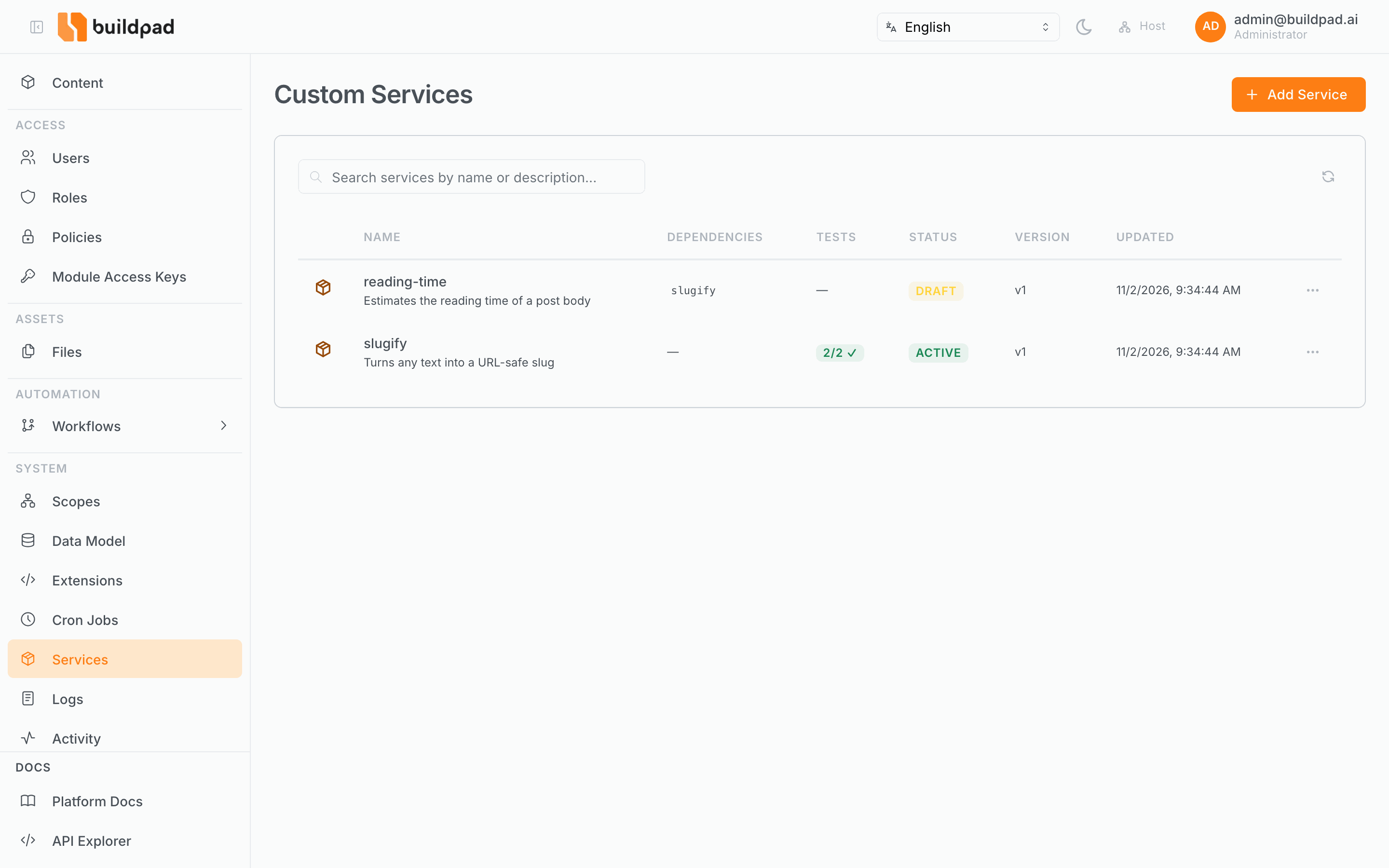
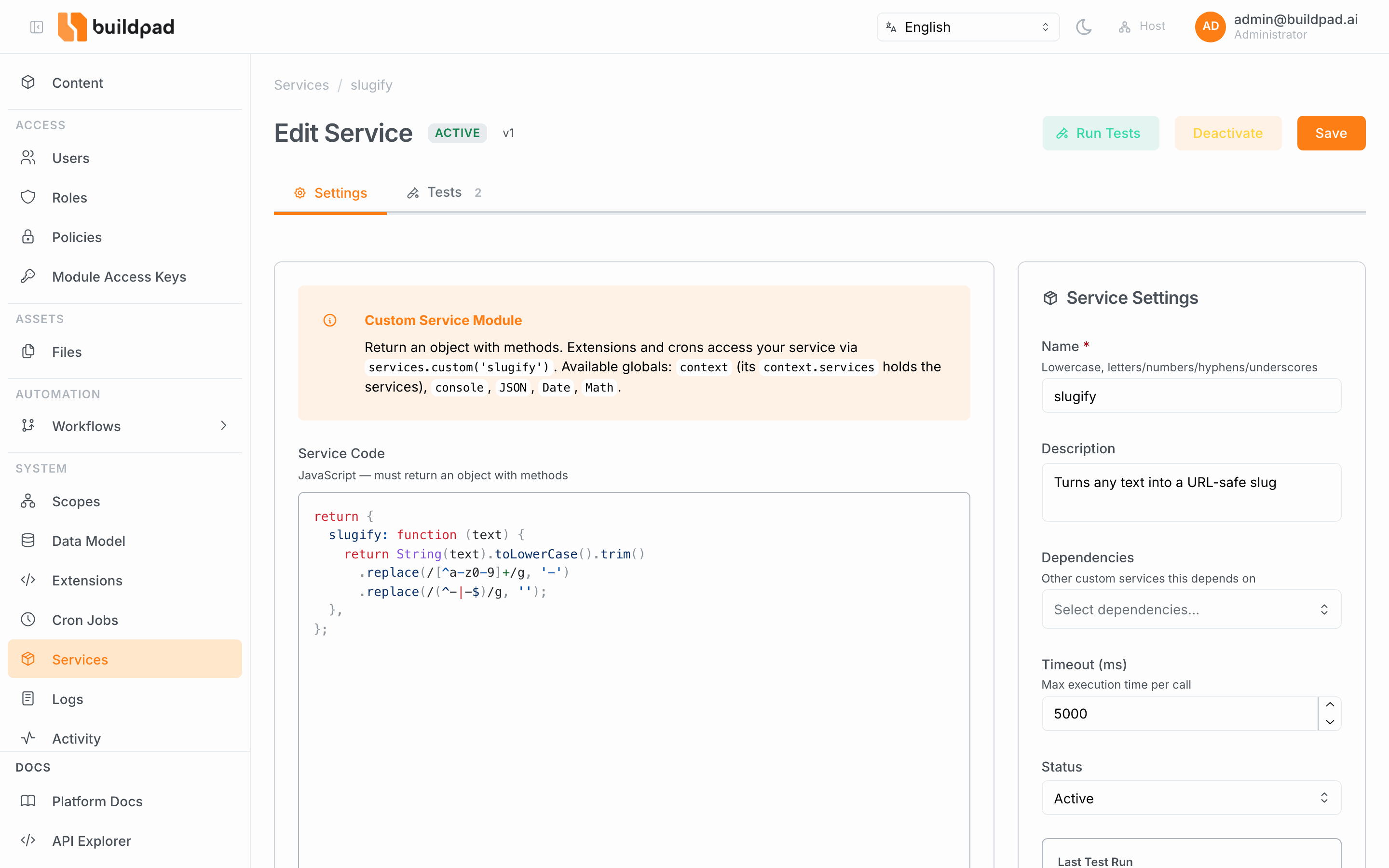
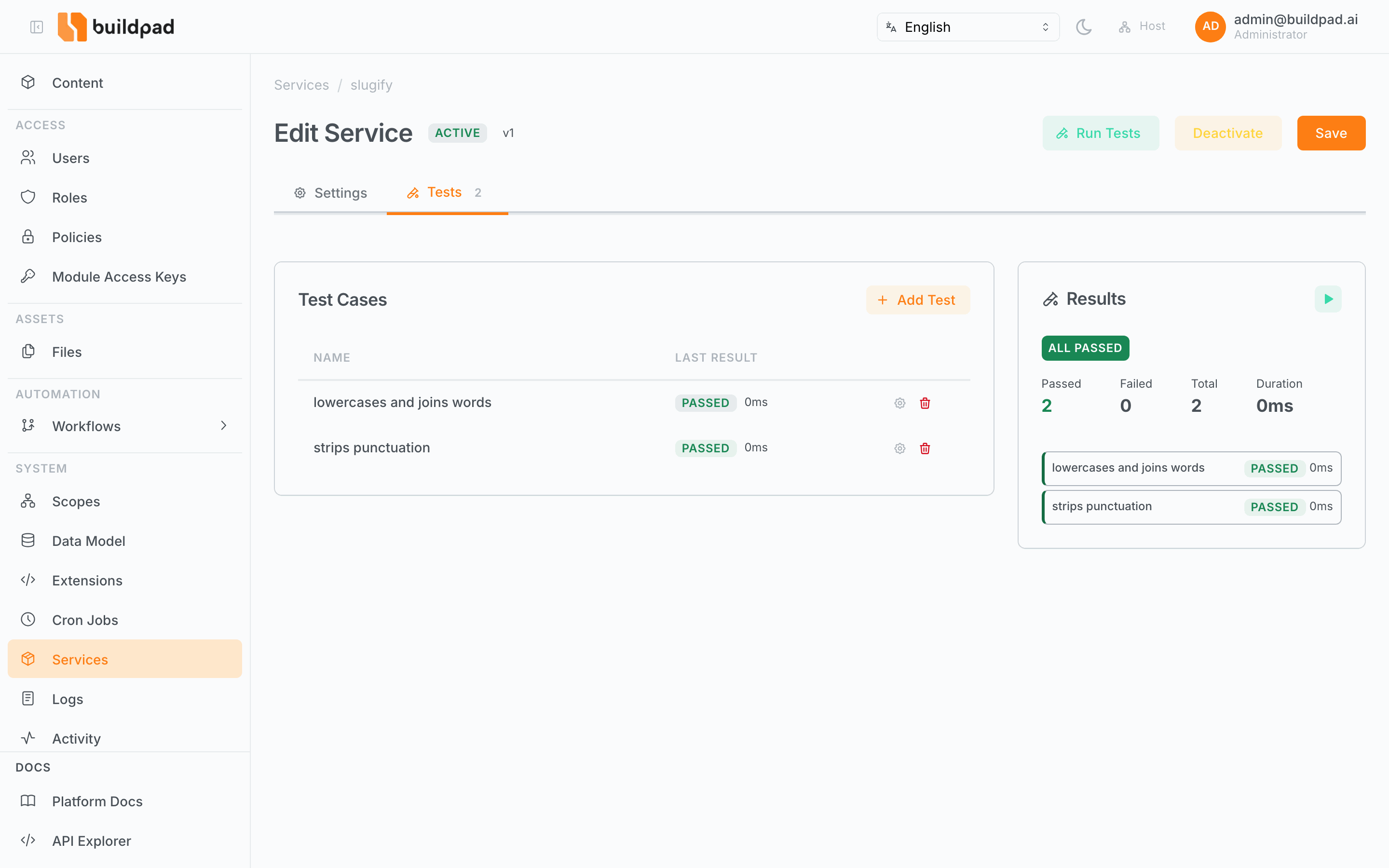
Click a service to edit its code and settings. The Tests tab holds the test cases; Run Tests runs them all and shows the results.
Database Schema (daas_custom_services)
| Column | Type | Description |
|---|---|---|
id | uuid | Primary key |
name | text | Unique identifier used in services.custom('name') |
description | text | Human-readable description |
code | text | JavaScript module code |
tests | jsonb | Array of test case objects |
last_test_run | jsonb | Result of the most recent test run |
status | text | active, inactive, draft, or error |
dependencies | text[] | Names of other custom services this one depends on |
timeout_ms | integer | Maximum execution time in ms |
version | integer | Auto-incremented on each save |
Test case schema
[
  {
    "name": "sends notification",
    "description": "Should send a Slack message",
    "code": "const result = await api.call('notify', '#channel', 'Hello'); assert.ok(result.ok);"
  }
]
Last test run schema
{
  "status": "passed",
  "passed": 3,
  "failed": 0,
  "total": 3,
  "duration_ms": 142,
  "ran_at": "2025-01-15T10:00:00Z",
  "ran_by": "user-uuid",
  "results": [
    { "name": "sends notification", "status": "passed", "duration_ms": 48 }
  ]
}
Writing a Custom Service
A custom service is a module that receives a context argument and returns a plain object of named functions. The context object exposes the same platform services available in extensions and cron jobs.
// Slack notification service
return {
  notify: async function(channel, message) {
    const res = await context.services.fetch('https://slack.com/api/chat.postMessage', {
      method: 'POST',
      headers: {
        Authorization: `Bearer ${context.env.SLACK_TOKEN}`,
        'Content-Type': 'application/json',
      },
      body: JSON.stringify({ channel, text: message }),
    });
    return res.json();
  },

  notifyUser: async function(userId, message) {
    const svc = await context.services.items('daas_users');
    const user = await svc.readOne(userId, { fields: ['email'] });
    return this.notify(user.email, message);
  },
};
On the Buildpad Engine backend, a service can group writes into one transaction with services.transaction. If the callback throws, nothing is saved:
return {
  transferPoints: async function(fromId, toId, points) {
    return context.services.transaction(async (tx) => {
      const members = tx.items('members', { elevated: true });
      const from = await members.readOne(fromId, { lock: 'update' });
      if (from.points < points) throw new Error('Not enough points');
      await members.updateOne(fromId, { points: { _dec: points } });
      await members.updateOne(toId, { points: { _inc: points } });
    }, { lockTimeoutMs: 2000, retries: 2 });
  },
};
Using a Custom Service
Call services.custom('name') inside any extension, cron job, or event hook:
// Inside an extension
export function register(sdk) {
  sdk.emitter.onAction('articles.items.update', async (meta, context) => {
    if (meta.payload?.status === 'published') {
      const slack = await context.services.custom('slack-notify');
      await slack.notify('#content', `Article published: ${meta.key}`);
    }
  });
}
// Inside a cron job
const emailer = await services.custom('email-digest');
await emailer.sendWeeklyDigest();Service Dependencies
If service A depends on service B, list B in A’s dependencies array. The executor resolves and injects all dependencies before running the service.
A dependent refers to B by name, so while any service depends on B, B can be neither deleted nor renamed: the request is refused with 409 and an error naming the dependents (Cannot delete: used by A, Cannot rename: used by A). Remove B from the dependents first.
REST API
| Method | Path | Description |
|---|---|---|
GET | /api/services | List custom services |
POST | /api/services | Create custom service |
GET | /api/services/:id | Get a service |
PATCH | /api/services/:id | Update a service |
DELETE | /api/services/:id | Delete a service |
POST | /api/services/:id/tests | Run the service’s tests |
On the Buildpad Engine backend, an administrator’s agent can manage custom services with the services MCP tool. Its actions are list, read, create, update, delete, run_tests, activate and deactivate. The tool has no run_test action for one test: run_tests runs all the tests of the service.