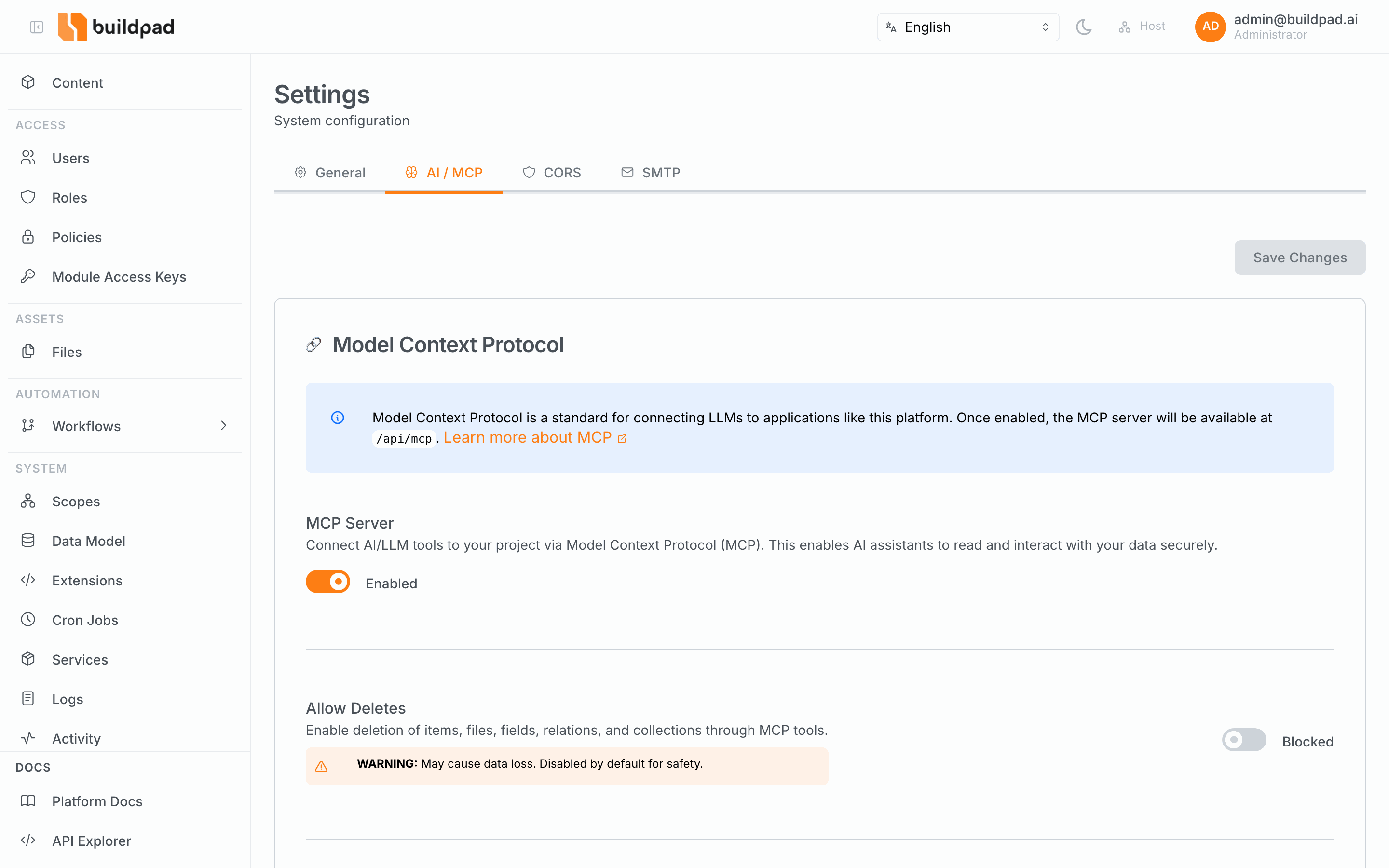
Settings
Navigate to /settings to configure global options for your BuildPad DaaS instance. Settings is divided into four tabs: General, AI / MCP, CORS, and SMTP.
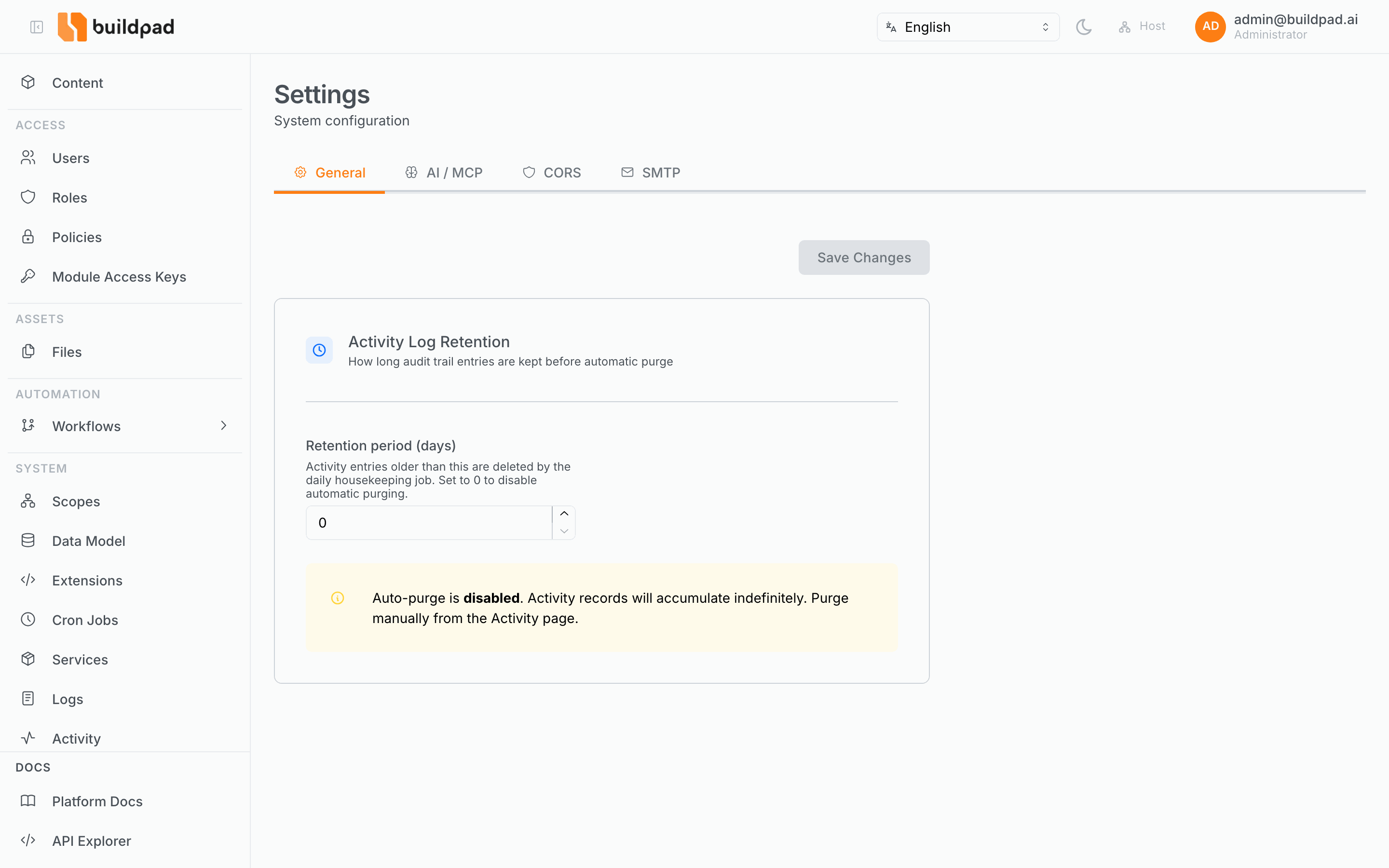
On the Buildpad Engine backend, these settings are the Engine’s, and the Engine applies them. Inside a tenant, each tenant has its own settings, except the CORS settings (see below).
Settings endpoints require admin access. Exception: GET /api/settings/general is also readable by users granted read on the daas_settings collection.
GET   /api/settings   — read all current settings
PATCH /api/settings   — update settings (admin only)
General (/settings/general)
The General tab controls the Activity Log Retention period — how many days audit trail entries are kept before the daily housekeeping job purges them.
| Field | Description |
|---|---|
activity_retention_days | Days to retain activity log entries. Set to 0 to disable automatic purging (records accumulate indefinitely). |
GET   /api/settings/general   — read retention setting
PATCH /api/settings/general   — update retention setting (admin only)
SMTP (/settings/smtp)
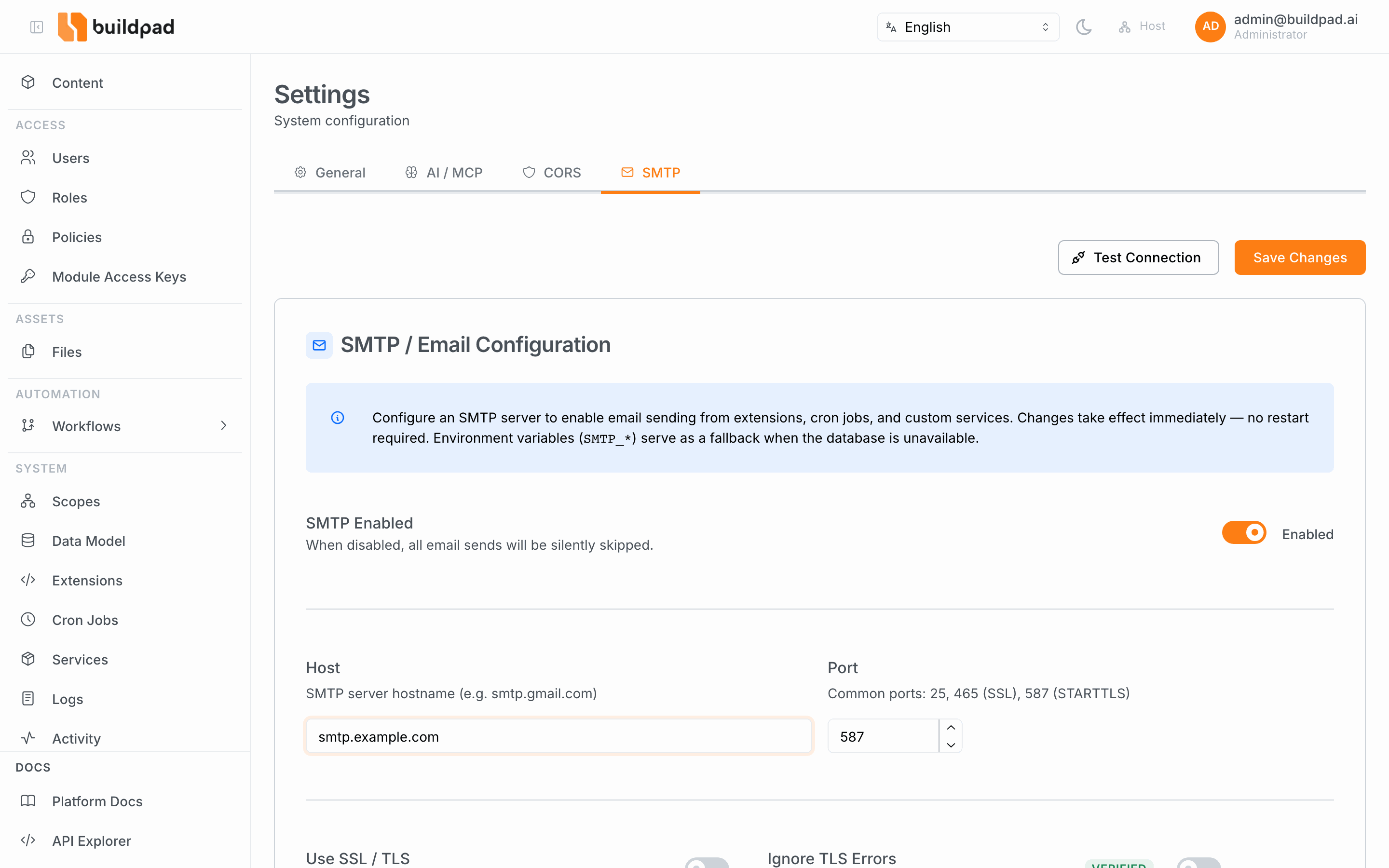
Configure outbound email at /settings/smtp. Used for password reset emails and any emails sent by hooks, extensions, or custom services.
| Field | Description |
|---|---|
smtp_enabled | Master toggle — when disabled all email sends are silently skipped |
smtp_host | SMTP server hostname |
smtp_port | SMTP port (25, 465 for SSL, 587 for STARTTLS) |
smtp_secure | Enable SSL/TLS (port 465). Leave off for STARTTLS on port 587 |
smtp_ignore_tls | Skip certificate verification — development only |
smtp_user | SMTP username |
smtp_password | SMTP password |
smtp_from_email | Sender address for outgoing emails |
smtp_from_name | Display name shown to recipients |
After saving, click Test Connection to verify connectivity to the SMTP server. On the Engine, the SMTP password is never returned. An empty or masked password in a save keeps the stored one.
POST /api/settings/smtp/test — verifies SMTP server connectivityCORS (/settings/cors)
Configure Cross-Origin Resource Sharing rules at /settings/cors. Controls which origins, methods, and headers are allowed when the API is called from a browser.
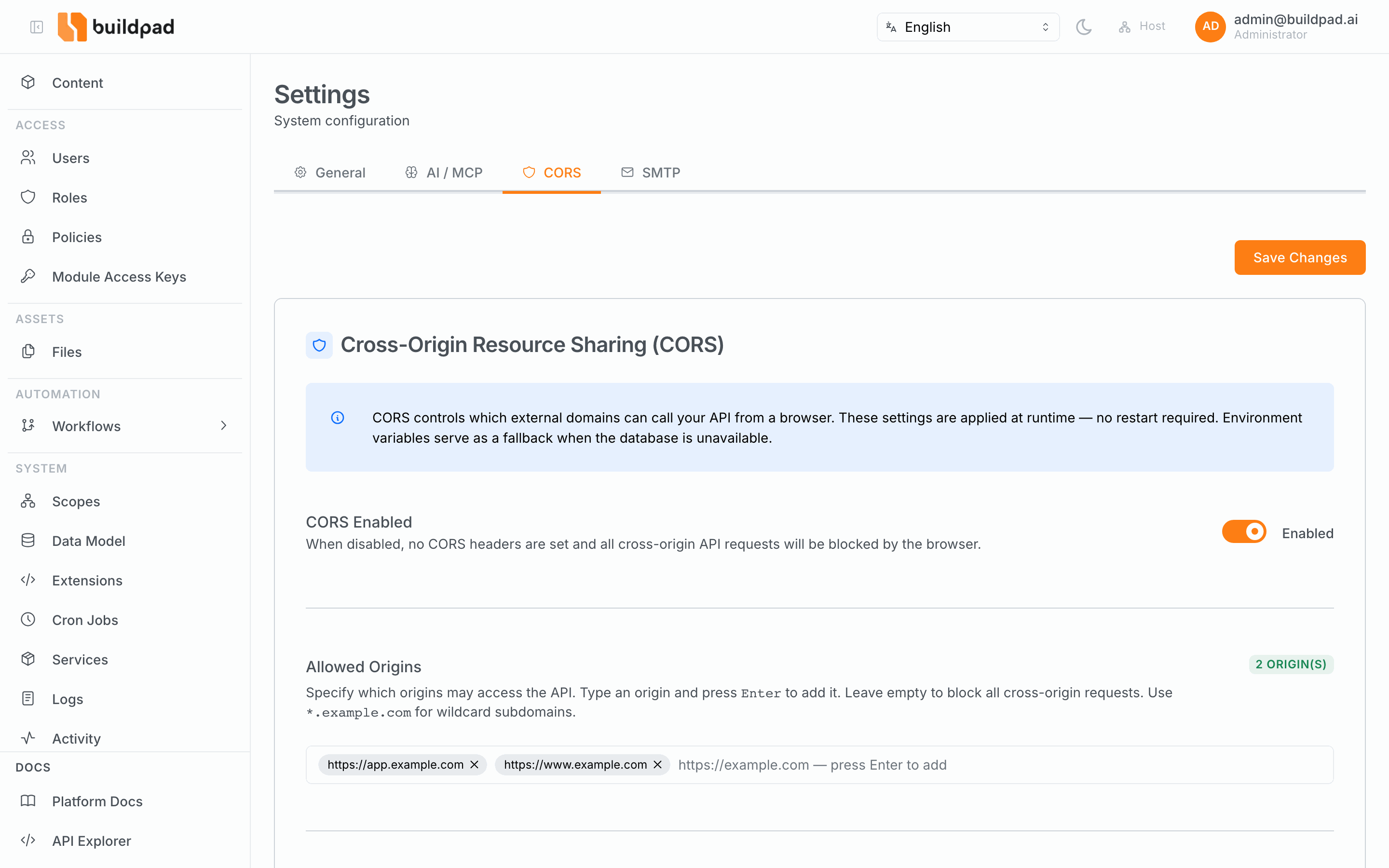
On the Engine, the cross-origin rules are the host’s. The CORS tab shows only in the host. Inside a tenant, the tab is not shown, and /settings/cors tells you to switch to the host. See CORS.
| Field | Description |
|---|---|
cors_enabled | Master toggle for CORS middleware |
cors_origins | Allowed origin URLs (empty = block all) |
cors_methods | Allowed HTTP methods |
cors_allowed_headers | Allowed request headers |
cors_expose_headers | Headers exposed to the browser |
cors_allow_credentials | Allow cookies/credentials in cross-origin requests |
cors_max_age | Preflight cache duration in seconds |
On the Buildpad Engine backend, the Engine applies the host’s CORS settings to every request. An administrator of the host changes them. In a tenant, the tab shows the host’s settings, and the Engine refuses a change with 403. See CORS.
AI / MCP (/settings/ai)
The AI / MCP tab lets you configure the built-in Model Context Protocol server. See AI & MCP for details.