Data Model
The Data Model editor (/data-model) is a visual interface for managing your database schema. It generates and executes DDL statements (CREATE TABLE, ALTER TABLE, etc.) against your PostgreSQL database.
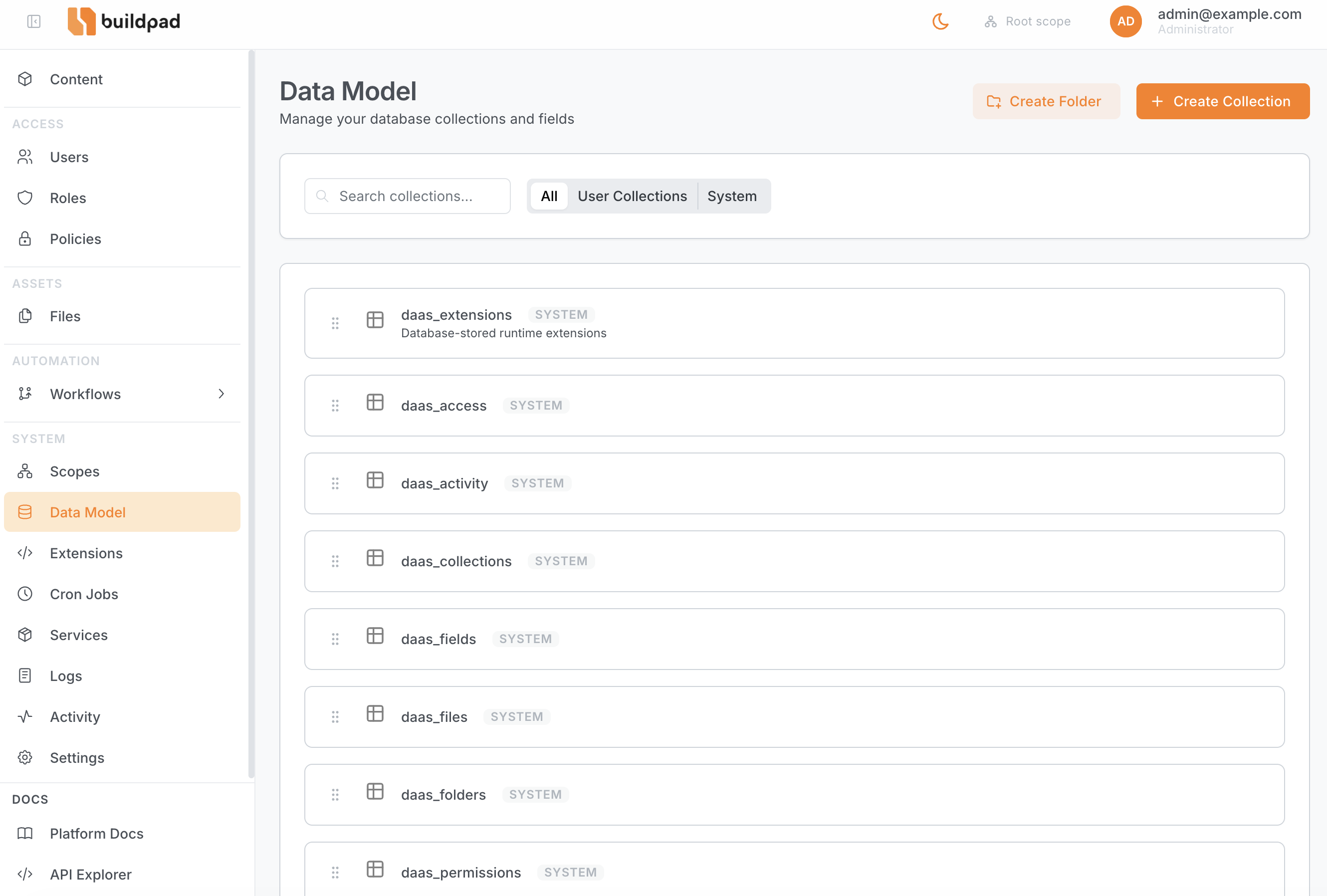
Collections
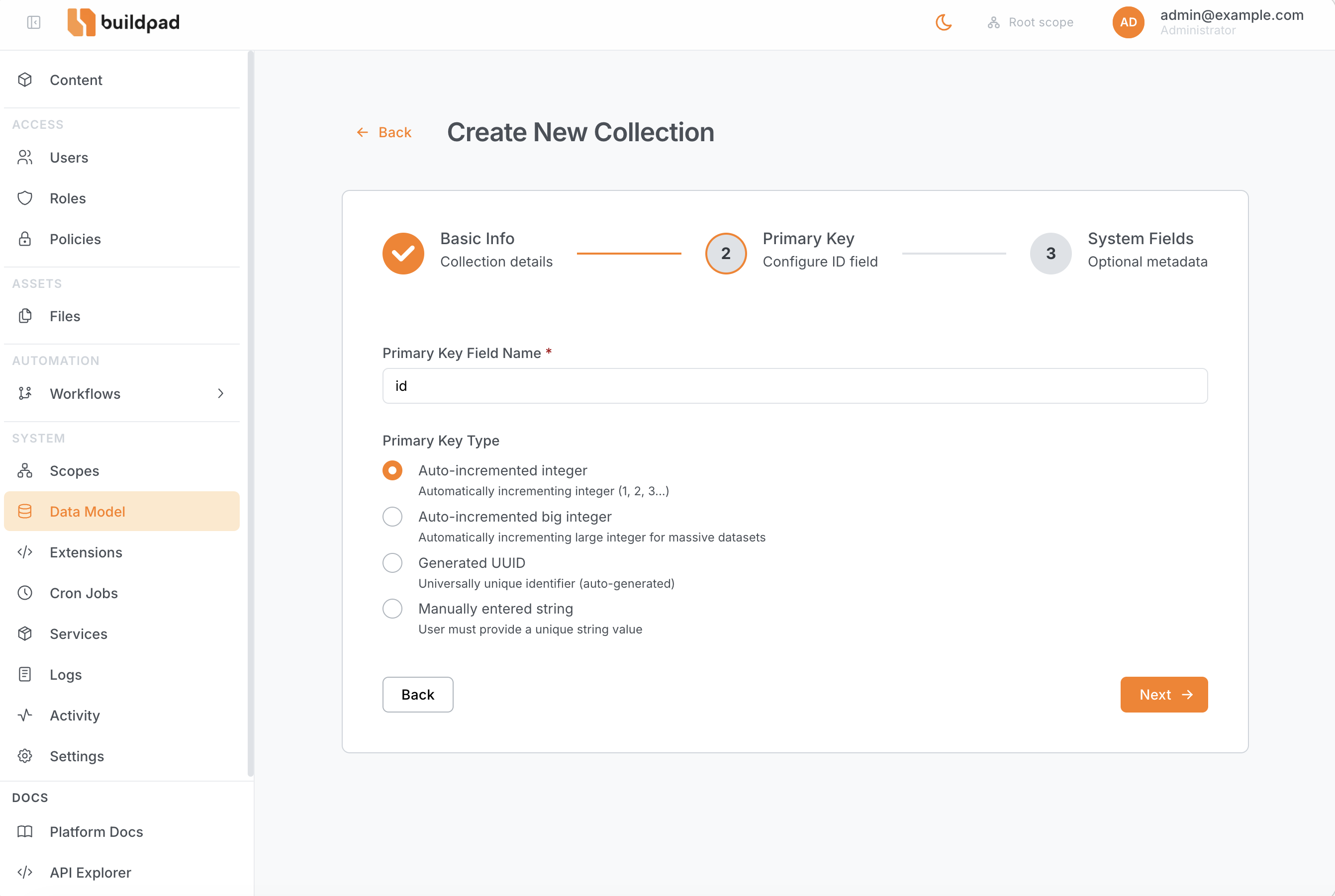
Create, update metadata (icon, note), and delete tables. Each table requires a primary key field. Choose from four primary key types when creating a collection:
| Type | Description |
|---|---|
integer | Auto-incremented integer (SERIAL) |
bigInteger | Auto-incremented big integer (BIGSERIAL) — for large datasets |
uuid | Auto-generated UUID (gen_random_uuid()) |
string | Manually entered string (VARCHAR(255)) — useful for slugs or external IDs |
Fields
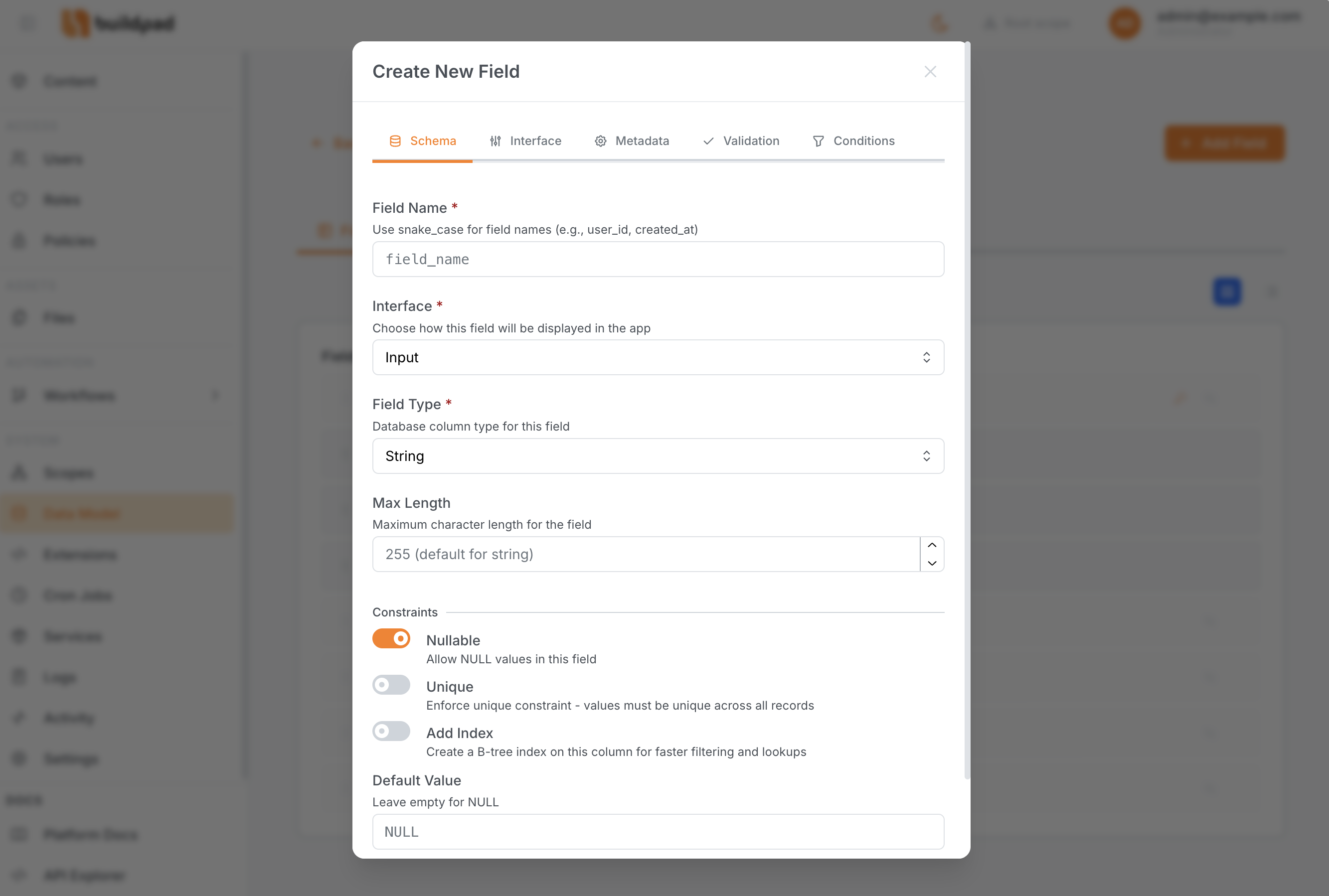
Add columns to any table by selecting a data type and configuring options such as nullability, default value, and interface type (which controls the Studio form renderer).
Supported types include: string, text, integer, bigInteger, float, decimal, boolean, json, uuid, dateTime, timestamp, date, and time.
Relationships
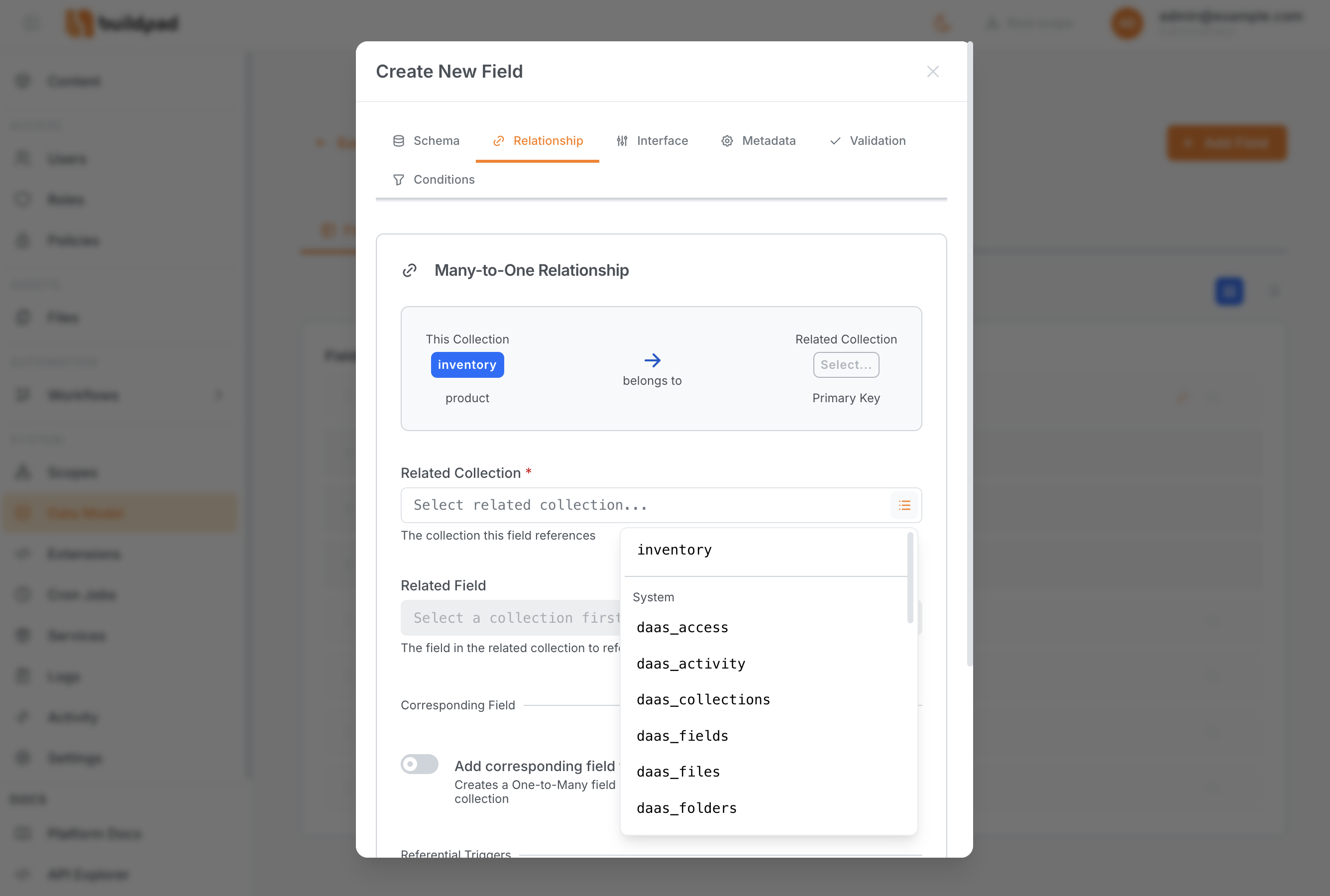
Configure foreign key relationships between collections:
- Many-to-One (M2O) — a column on this table points to another table’s primary key
- One-to-Many (O2M) — virtual reverse of a M2O; no column is added
- Many-to-Many (M2M) — a junction table is created automatically
- Many-to-Any (M2A) — polymorphic relation; items can reference multiple different collections via a junction table with a
collectiondiscriminator column
Admin Only
All schema mutations require a user with admin access. Read-only schema introspection (listing collections and fields) is available to any authenticated user per their permissions.