DaaS Studio
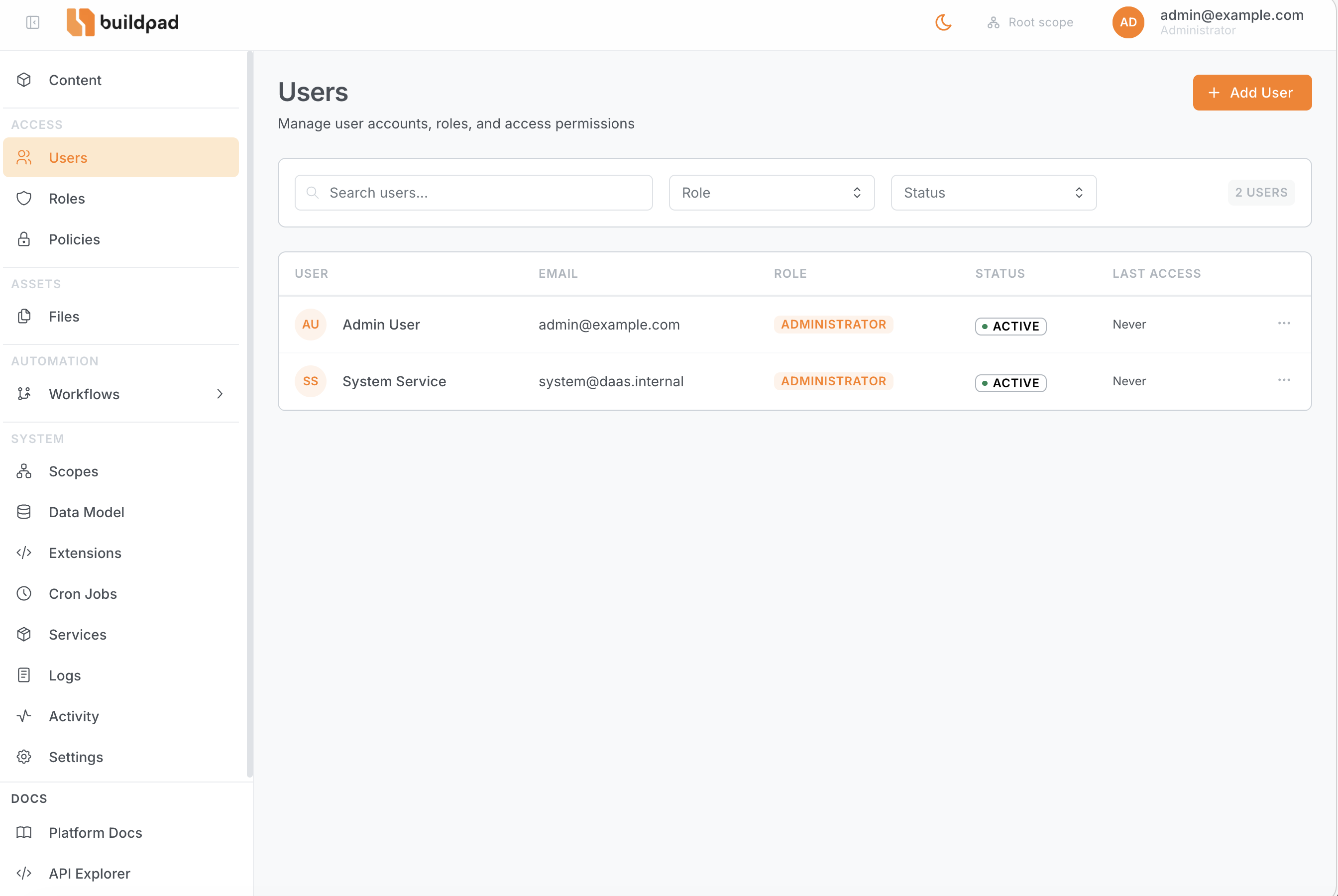
The DaaS Studio is the web-based admin interface available at the root URL of your deployed instance (e.g., https://XXX.daas.buildpad.ai). It provides a visual interface for every capability exposed by the REST API.
Sections
| Section | Path | Description |
|---|---|---|
| Data Model | /data-model | Visual schema editor — manage tables, columns, and relationships |
| Content | /content/:collection | Browse and edit items in any collection |
| Users | /users | Manage user accounts and profiles |
| Roles | /roles | Create and configure roles |
| Policies | /policies | Define access policies and assign to roles |
| Scopes | /scopes | Manage resource scopes for multi-tenant access |
| Module Access Keys | /module-access-keys | Admin-managed tree of capability keys that policies can grant (e.g. system:logs) — see Roles & Policies |
| Files | /files | Upload and organize files |
| Logs | /logs | Live application logs — admins, or users granted the system:logs module access key |
| Settings | /settings | Global project settings, SMTP, MCP config |
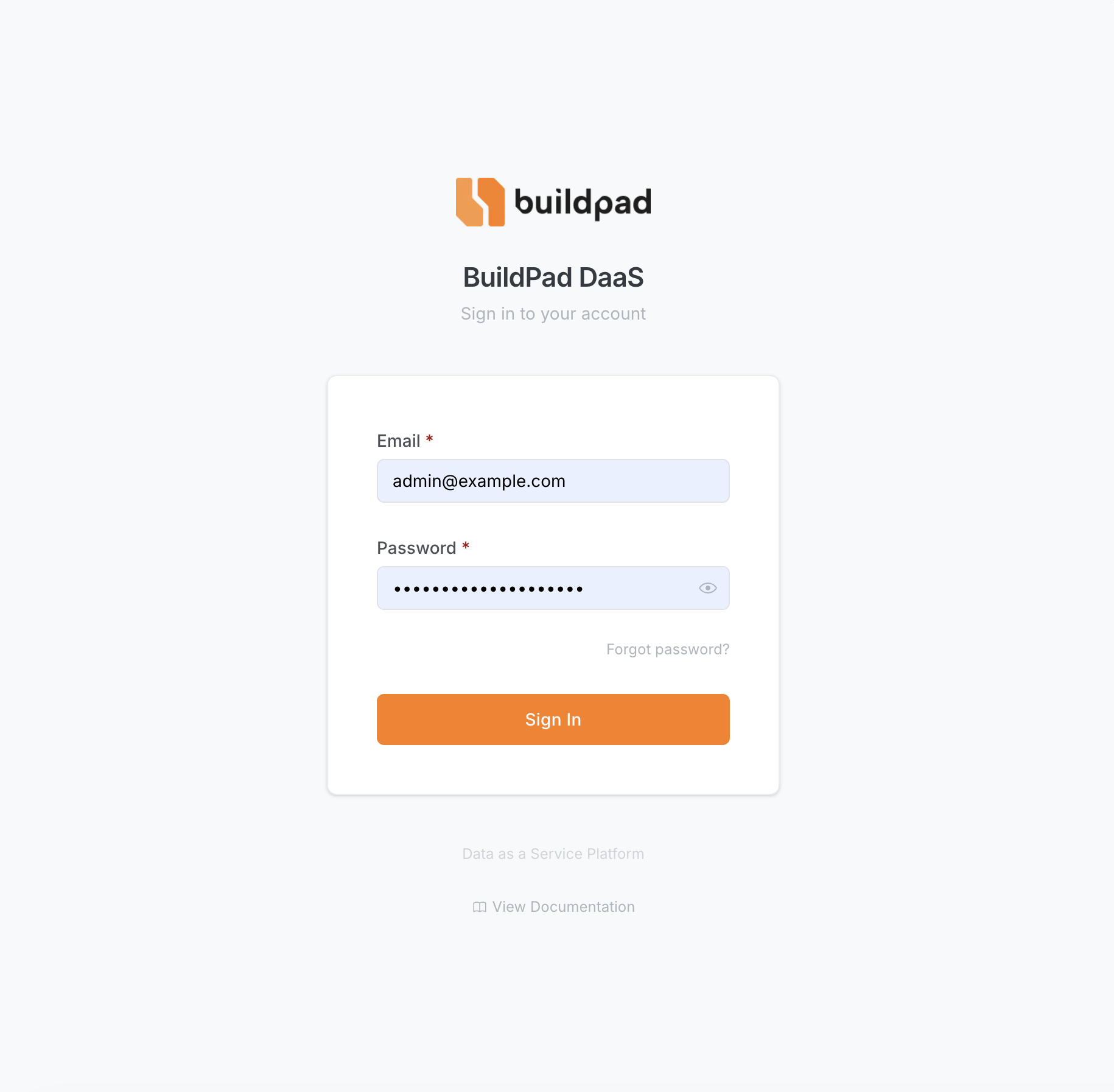
Login
Navigate to your instance URL. Unauthenticated visitors are redirected to /login, which accepts email/password credentials.